Add a Credential
A credential is any card, registration, or certificate a worker holds — a Working With Children Check, an NDIS Worker Screening clearance, a First Aid certificate. Recording it on the worker's profile lets Oho track its expiry, and verify it against the issuing register where one exists.
A credential card on the worker's profile, with its status (Valid, Expiring, Verified…) tracked automatically from now on.
Before you start
Have the credential's number and expiry date, and check the worker's name in Oho matches the name on the credential — register checks match on both.
Step 1: Open the worker's profile
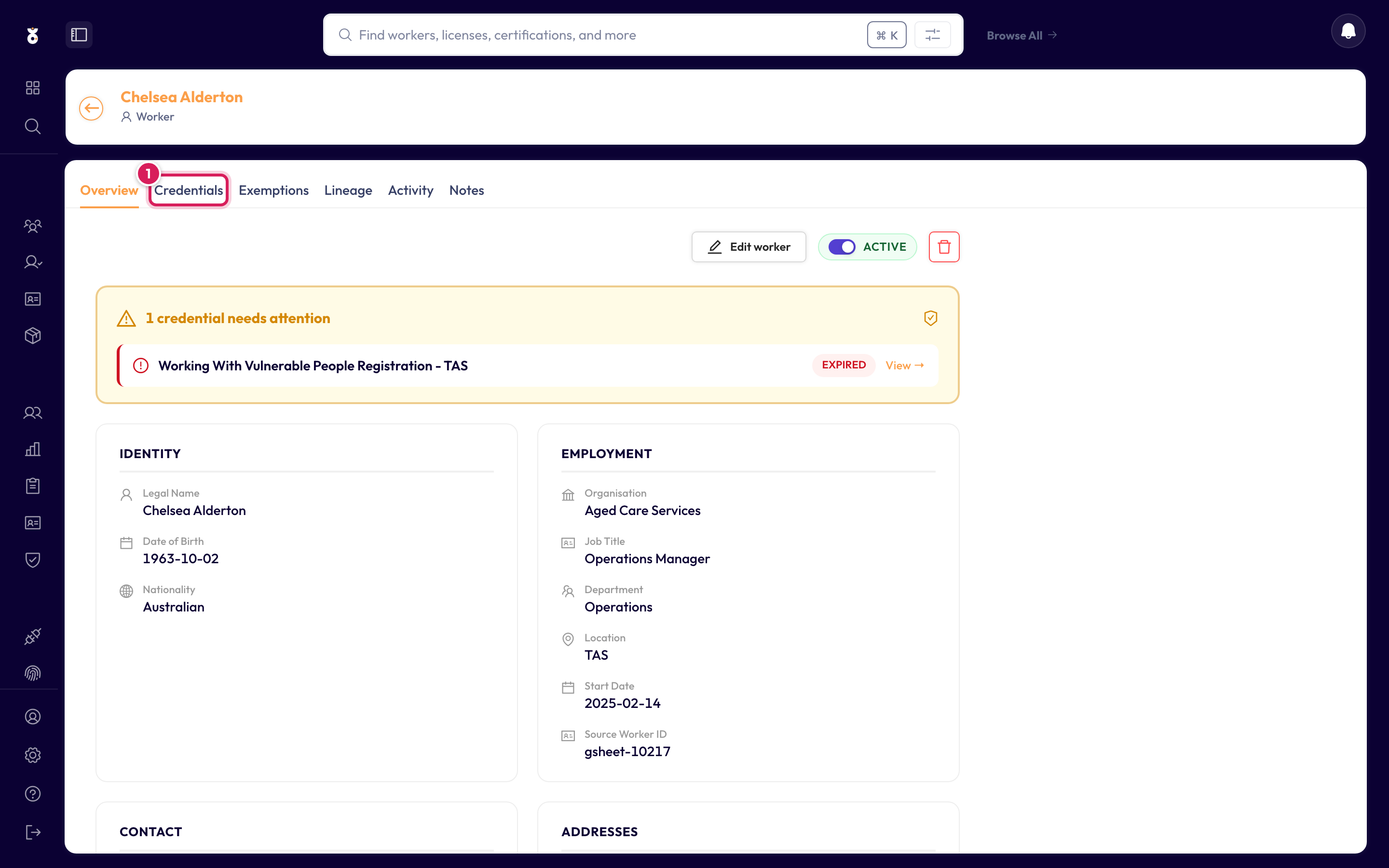
Find the worker — search their name from the top bar, or browse All Workers — and open their profile. Click the Credentials tab.
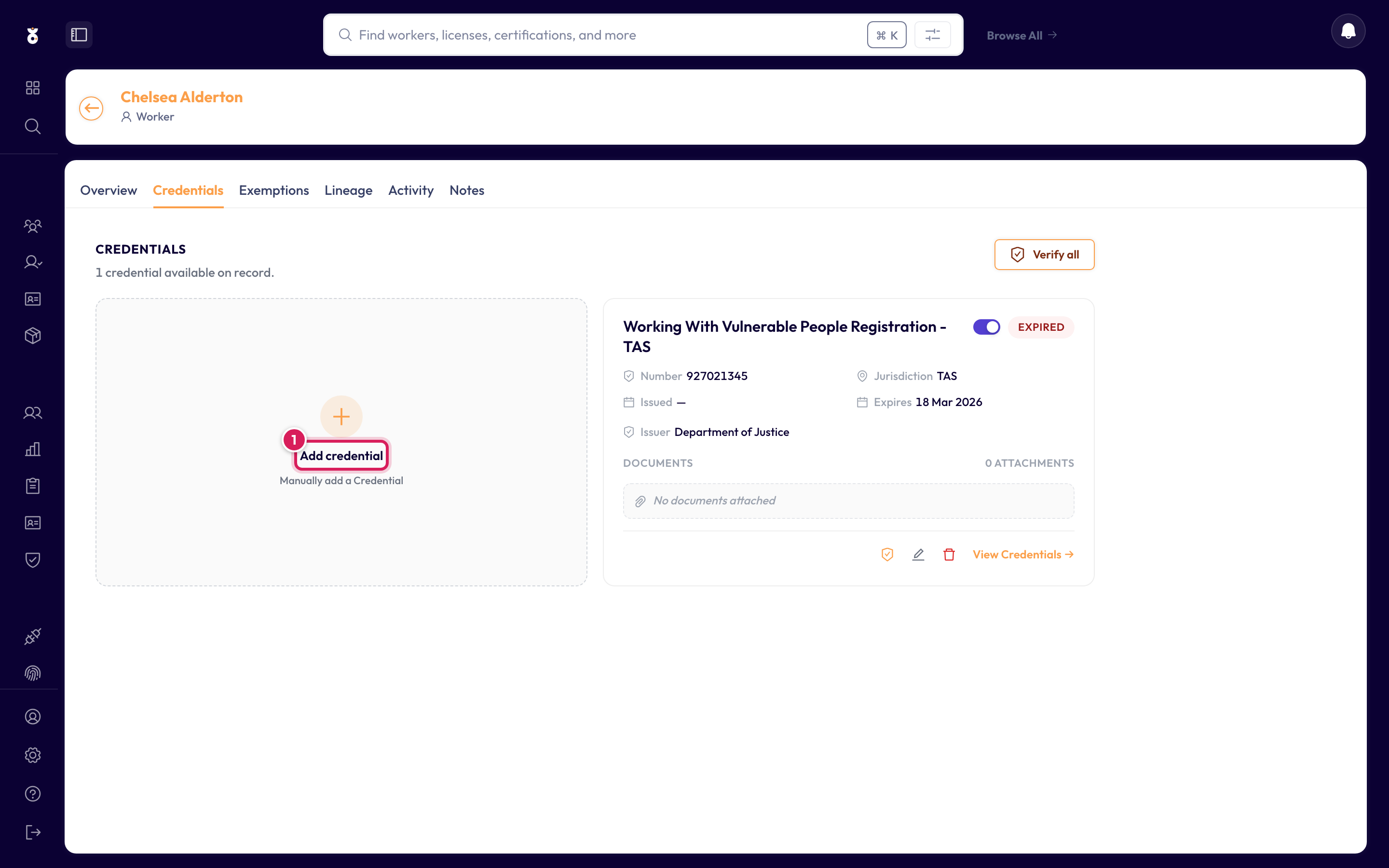
Step 2: Click Add credential
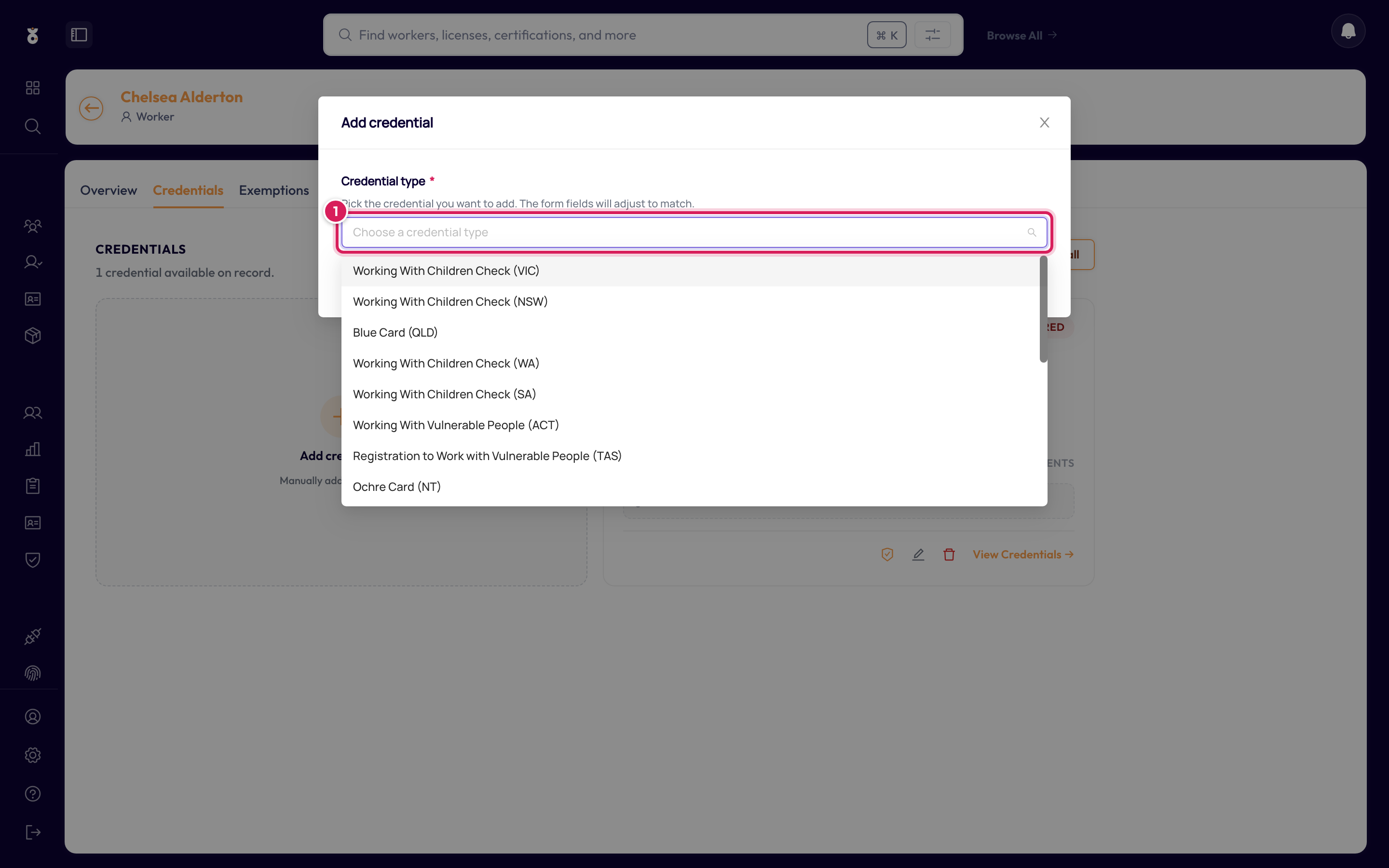
Step 3: Choose the credential type
Pick the type from the list — it covers checks for every state and territory (WWCC, Blue Card, Ochre Card, WWVP…), national clearances like NDIS Worker Screening, and certificates like First Aid. The list is searchable: start typing and it narrows. This guide adds a Working With Children Check (VIC).
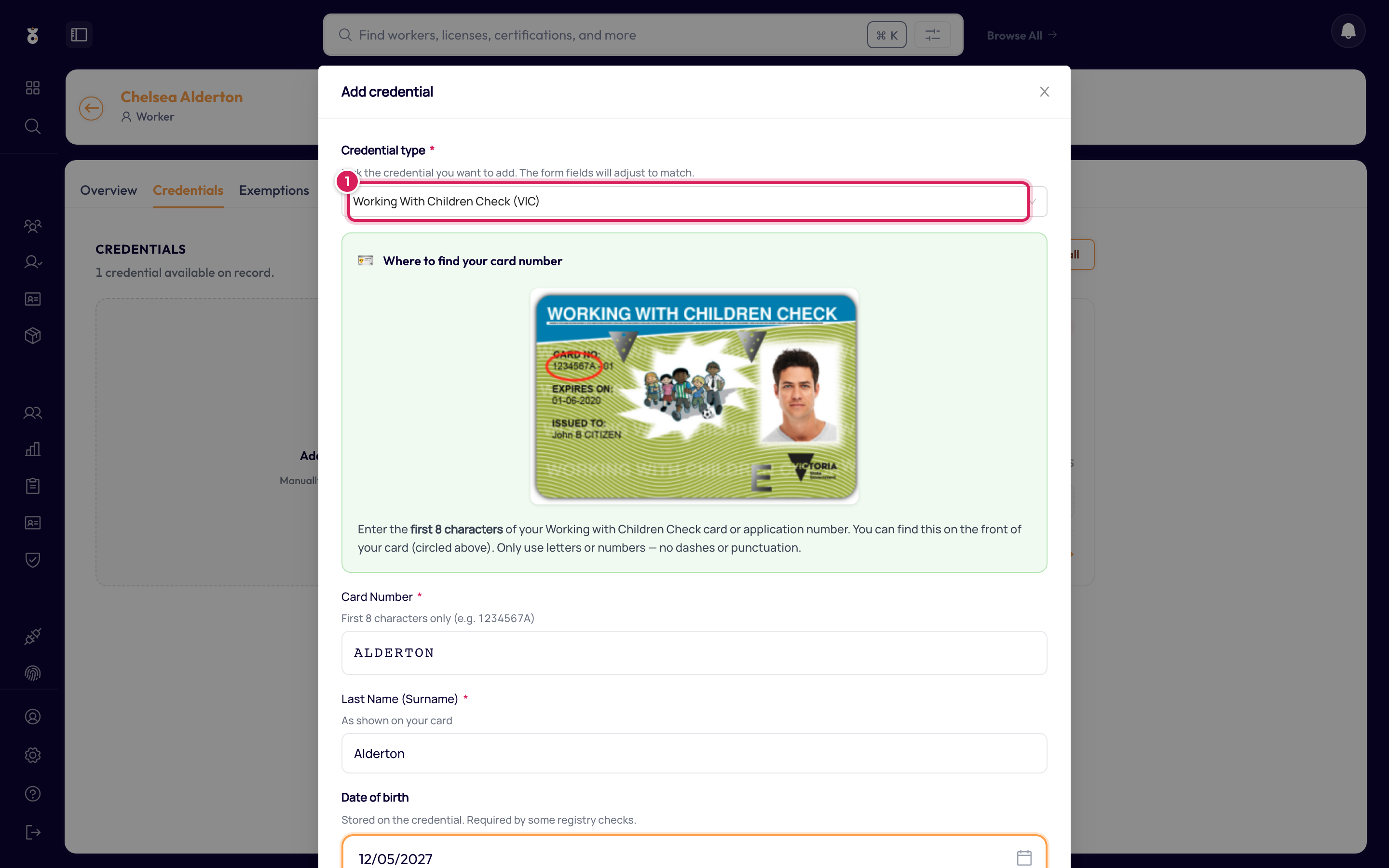
Step 4: Enter the credential details
The fields change with the type you picked — for a VIC WWCC that's the card number (1), the holder's name as it appears on the card, and the expiry date. Click Save (2).
The credential now appears as a card on the worker's profile.
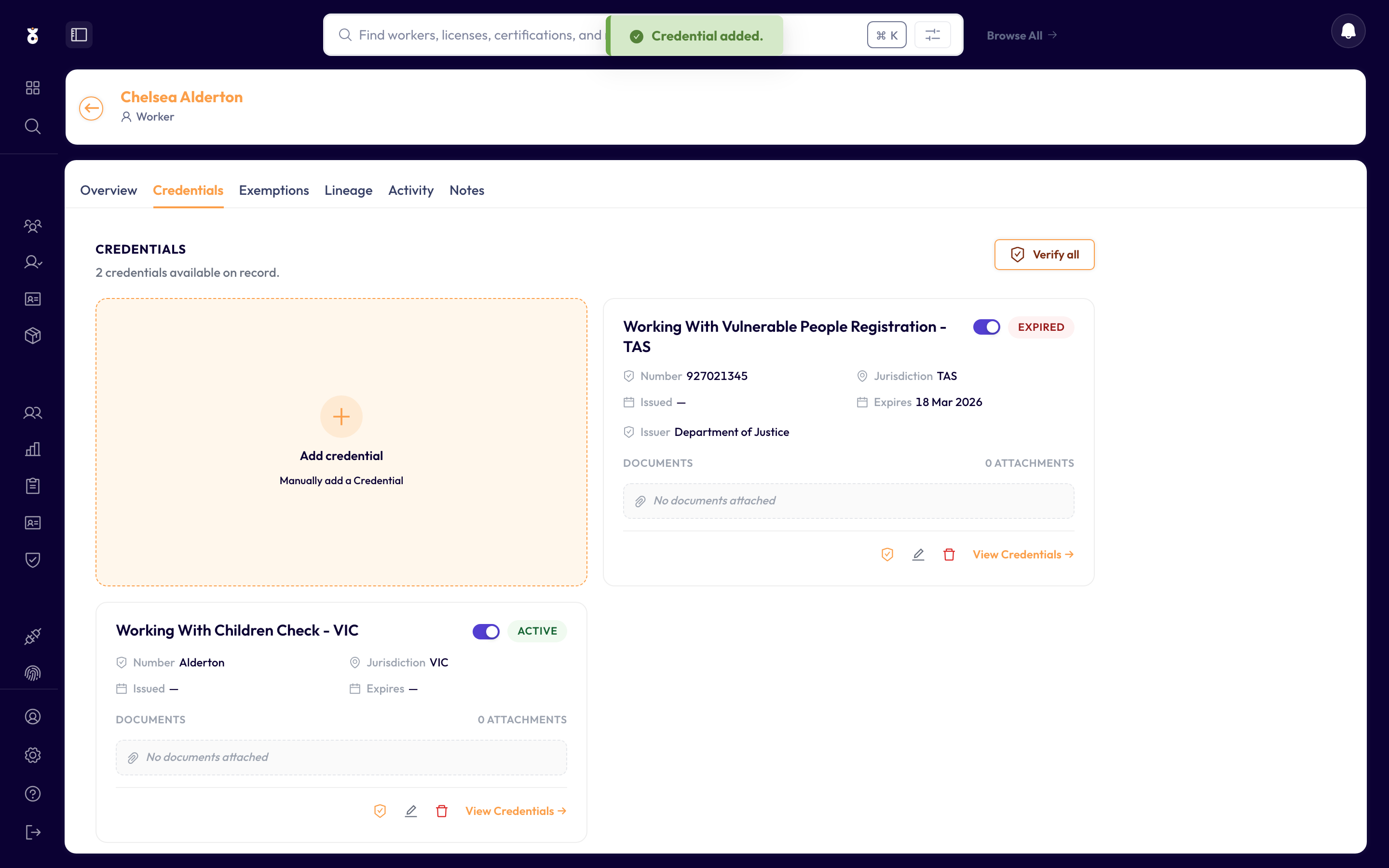
If the credential type has a connected register (a verification source), Oho checks it at the source — you'll see Verified with a last-checked date. Types without a register are expiry managed: Oho tracks the date you entered and warns you before it lapses.
What's next
- Verify the credential right away instead of waiting for the scheduled check